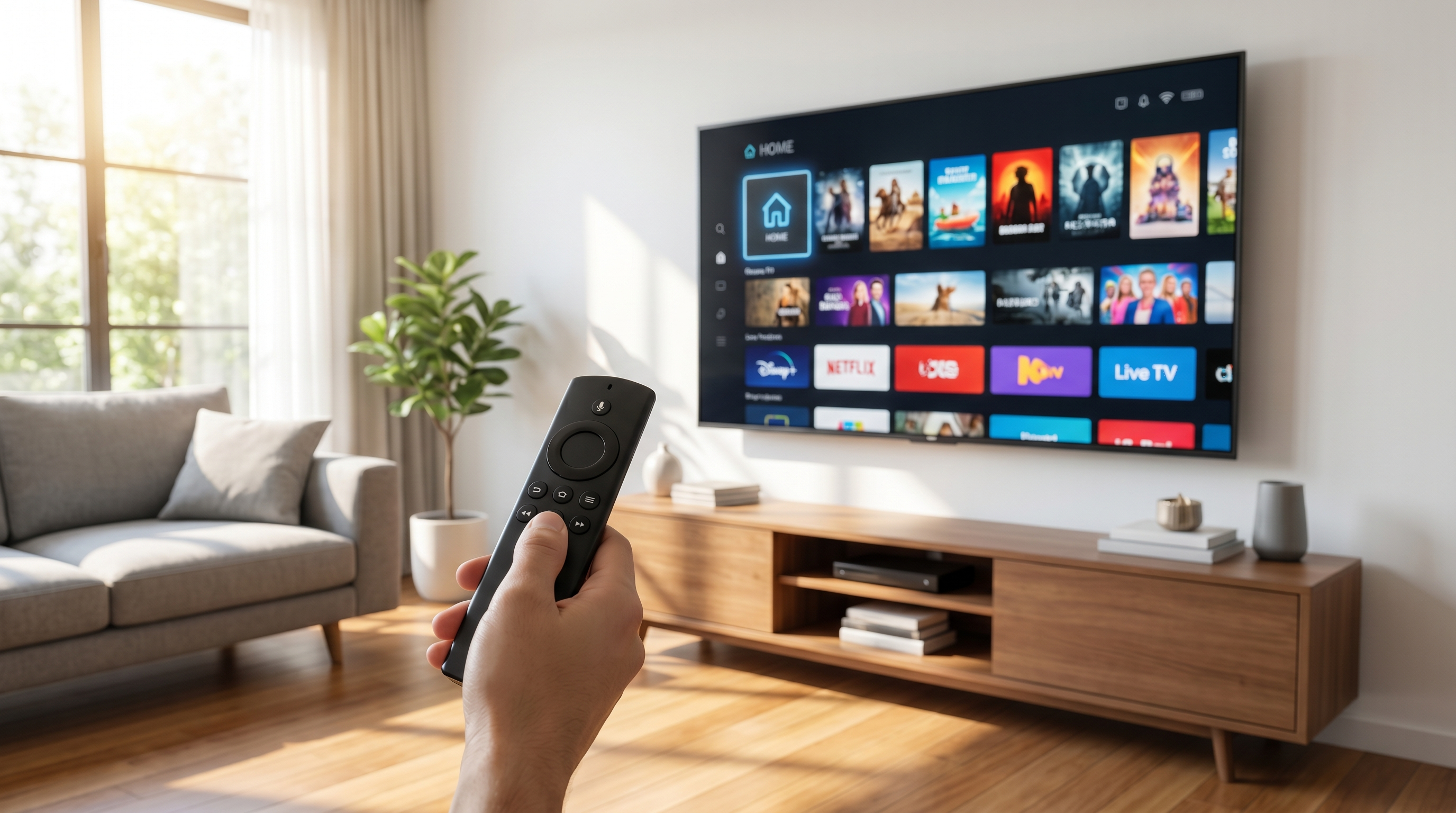
The Amazon Fire TV Stick is the most popular way to watch IPTV in the UK — it's cheap, plugs into any TV's HDMI port, and runs the most reliable IPTV players. This guide walks you through the whole process from scratch. If you get stuck at any point, our team will happily do it with you over WhatsApp.
What you'll need
- An Amazon Fire TV Stick (any model — Lite, 4K or 4K Max)
- A stable internet connection (25 Mbps or faster recommended for 4K)
- Your OpticStream UK login details (username, password and URL we send you after sign-up)
Step-by-step installation
Allow apps from unknown sources
From the Fire TV home screen go to Settings → My Fire TV → Developer Options and switch on Apps from Unknown Sources. (On newer sticks you may need to tap the Fire TV build number 7 times first to reveal Developer Options.)
Install the Downloader app
Go back to the home screen, search for Downloader (the orange icon) and install it. This lets you install apps that aren't in the main store.
Install an IPTV player
The easiest option is IPTV Smarters Pro, which is available right in the Amazon Appstore — just search and install. Alternatively, open Downloader and enter the player link we provide.
Enter your login details
Open the player, choose "Login with Xtream Codes API", and type in the username, password and server URL from your welcome message. Give it a friendly name like "OpticStream".
Start watching
The app pulls in your full channel list, TV guide (EPG) and on-demand movies automatically. Pick a channel and you're live — that's it.
Fixing buffering
If a stream stutters, it's almost always the connection rather than the service. Quick fixes:
- Restart the Firestick (Settings → My Fire TV → Restart) to clear memory.
- Use 5GHz Wi-Fi or Ethernet — a cheap Fire TV Ethernet adapter makes a big difference.
- Close background apps and clear the player's cache.
- Still stuttering? Message us — our anti-buffer servers have multiple UK endpoints and we'll switch you to the fastest one.
Ready to watch in minutes?
Get your login instantly and follow this guide — or let us set it up for you over WhatsApp.
Firestick FAQ
Which Firestick is best for IPTV? +
Any model works. For 4K streams the Fire TV Stick 4K or 4K Max give the smoothest experience thanks to faster processors and 5GHz Wi-Fi.
Do I need a VPN? +
A VPN isn't required to use the service. Some users prefer one for general privacy; our players work with or without it.
Can you install it for me? +
Absolutely. Message us on WhatsApp and we'll walk you through every tap, or guide you screen-by-screen.