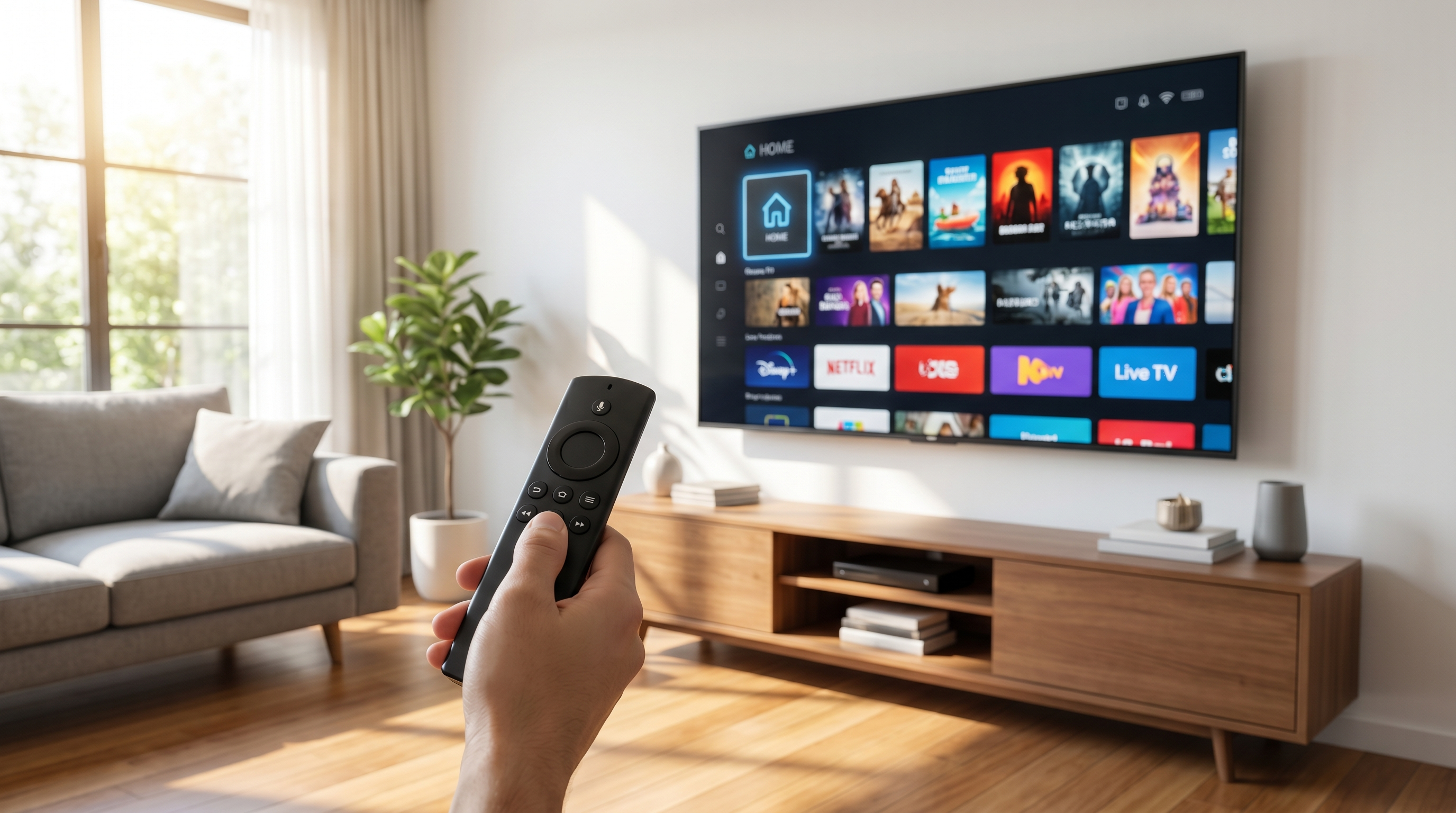
Most Samsung and LG Smart TVs from the last few years can run IPTV directly — no extra hardware required. The process is almost identical on both: install a player app, enter the login we send you, and you're watching. Here's how.
Samsung Smart TV (Tizen)
Open the Samsung Apps store
Press the Home button, scroll to Apps, and open the store.
Install a player
Search for IPTV Smarters Pro or Set IPTV and install it.
Enter your details
Open the app and log in with the username, password and URL from your welcome message (or upload the M3U playlist we provide).
Watch
Your channels, EPG and movies load automatically. Done.
LG Smart TV (webOS)
Open the LG Content Store
Press Home and open the LG Content Store.
Install a player
Search for IPTV Smarters Pro or Set IPTV and install.
Add your login
Enter the credentials we send, or add the playlist URL. Save it with a name like "OpticStream".
Enjoy
Everything loads in automatically — start streaming.
Buffering & tips
- Put the TV on 5GHz Wi-Fi or, ideally, a wired Ethernet connection.
- Restart the TV (full power-off) once a week to keep apps snappy.
- Keep the player app updated from the store.
- Any trouble? Message us and we'll switch you to the fastest UK server.
Get watching on your Smart TV today
Instant login, no extra hardware. Try it free for 24 hours first.
Smart TV FAQ
Will it work on my model? +
Most Samsung (2018+) and LG (2018+) Smart TVs support IPTV Smarters Pro or Set IPTV. If yours doesn't, a Firestick or Android box adds support instantly.
Is there an app cost? +
Some Smart TV players charge a small one-off in-app activation fee set by the app developer — that's separate from your OpticStream subscription.
Can you set it up for me? +
Yes — message us on WhatsApp and we'll guide you through it step by step.